Introduction
CharityEngine® gives you the ability to add speakers to your events, making it easy to record a speaker's presence, or potential presence, at events and sessions. This article walks you through managing existing speaker records as well as creating new ones.
Table of Contents
Navigation
To navigate to the Speakers section, click Events > Events > Speakers.
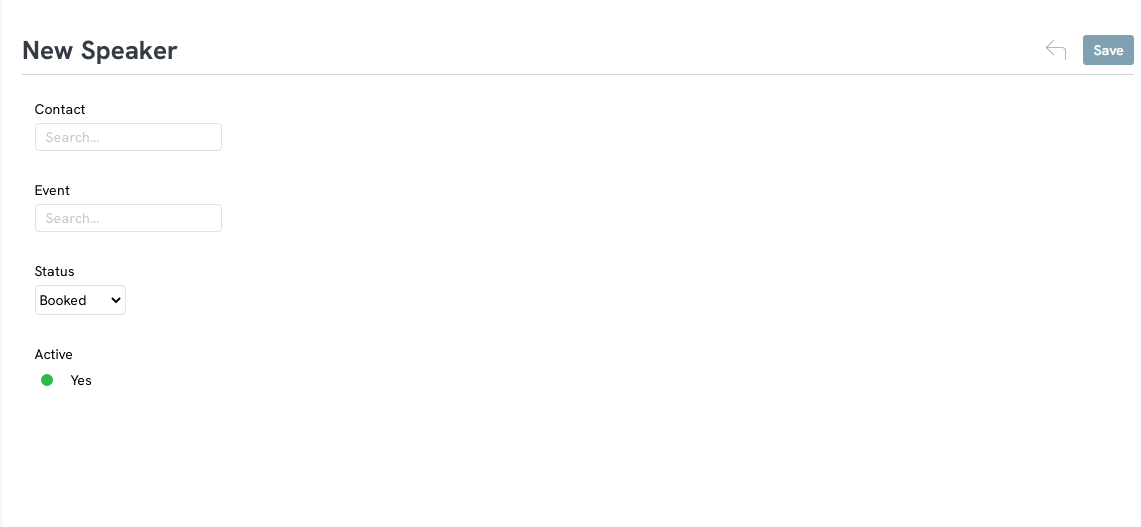
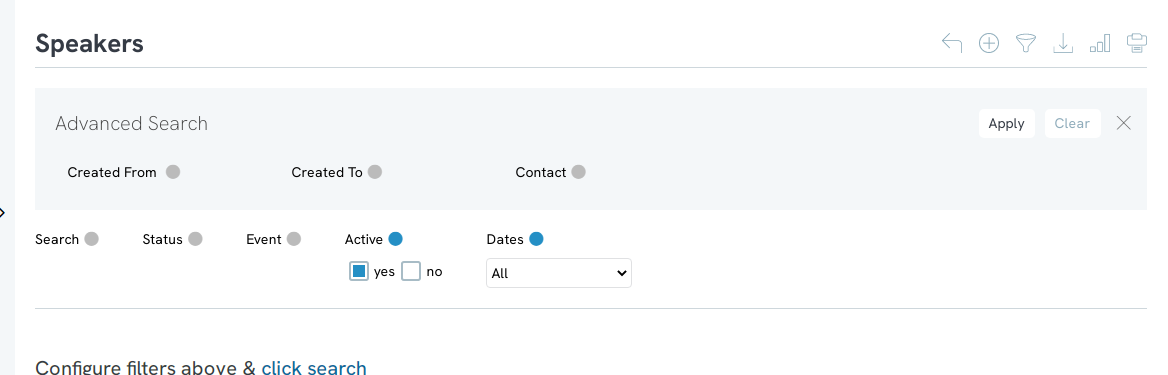
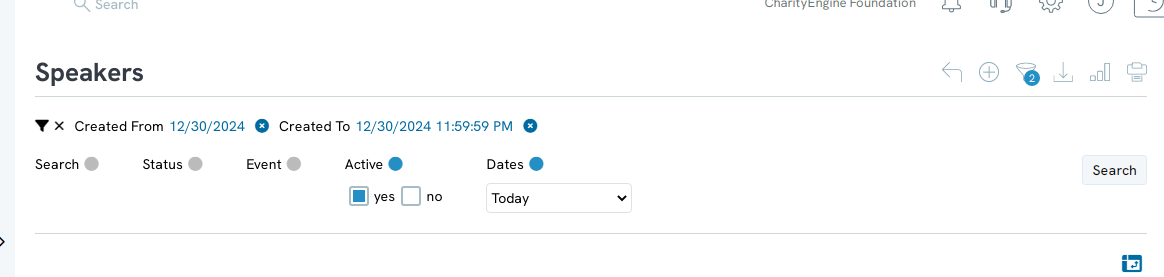
Use the Quick Filters and the Advanced Filter to find a previously created speaker record.
Managing Existing Speakers
Use the quick filters and Advanced Filter to find a previously created speaker record. Hover over the three dots to the right of the speaker record and click Manage.
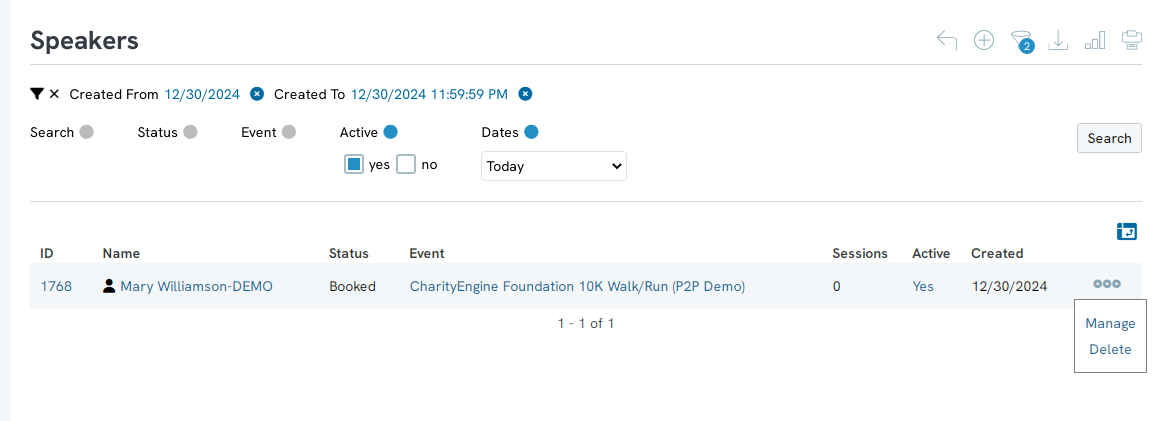
Edit the form that appears.
1. Contact: change the contact associated with the speaker record
2. Event: change the event associated with the speaker record
3. Status: Change the status of the speaker
4. Active: Turn the speaker from active to inactive by toggling the switch from Yes to No
Creating New Speakers
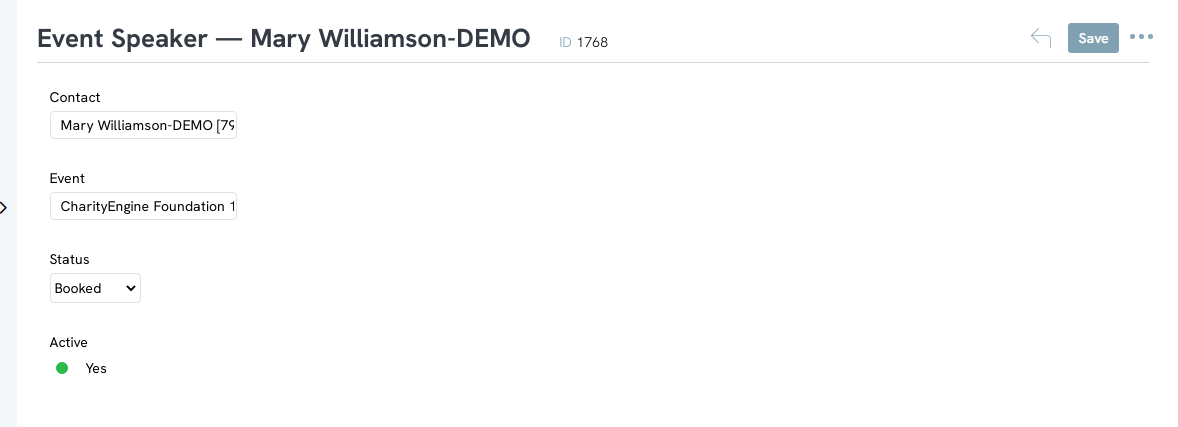
To create new speakers, click the + button in the upper right-hand corner.
Fill out the form that appears. Click Create to create the new speaker.